
How Do You Check a Used Car's History Before You Buy It?
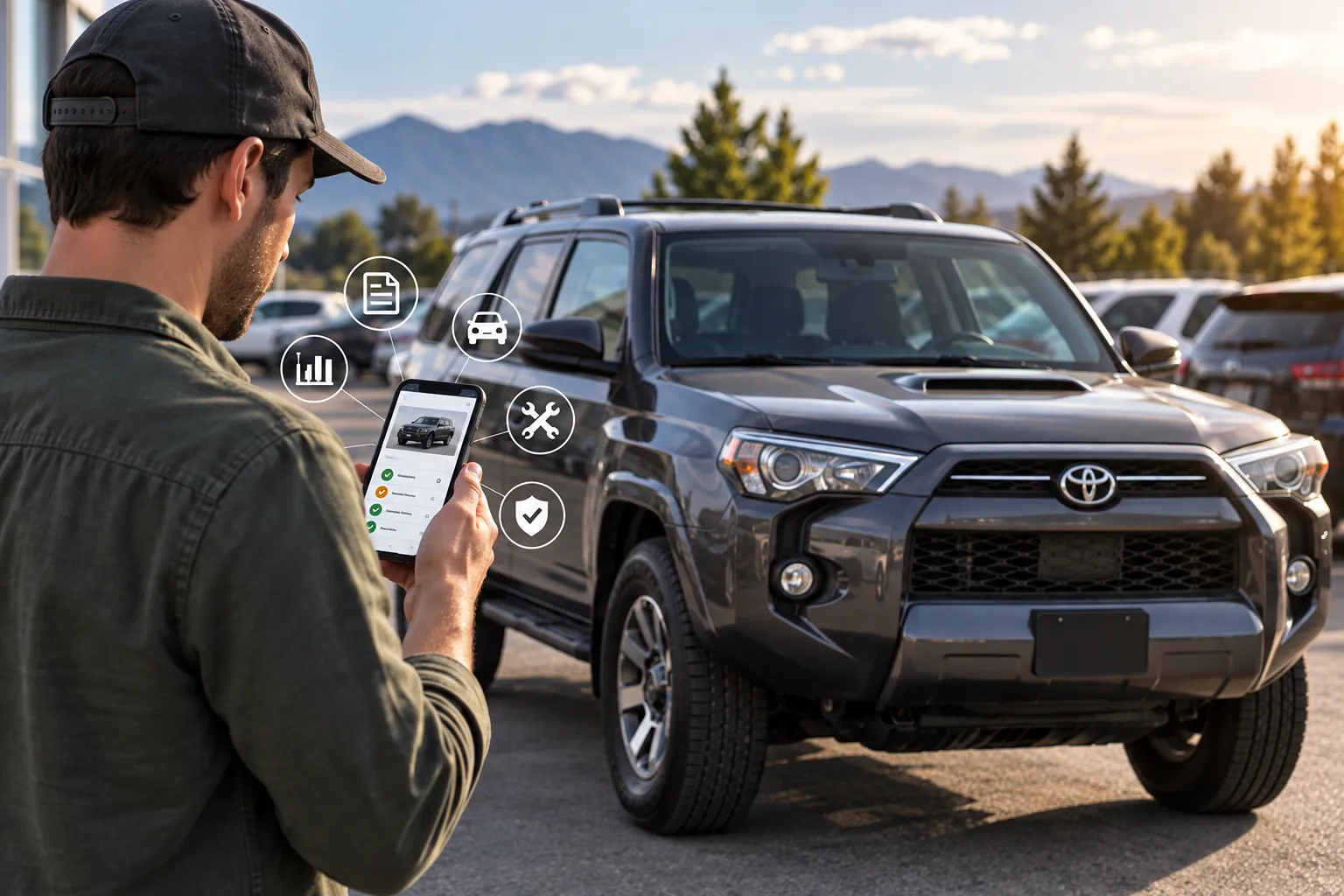
To check a used car's history, start with its 17-character VIN. Use it to pull a vehicle history report, confirm the title status, and then compare what the records say to the car in front of you. Do this before you talk price, and before you sign anything.
What is a vehicle history report?
A vehicle history report is a record built from the VIN. It typically lists title status, reported accidents, odometer readings over time, number of owners, and service entries that were reported. It only shows what was reported, so a clean report is a good sign, not a guarantee.
Where do you find the VIN?
The VIN is on the driver-side corner of the dashboard, visible through the windshield, and on the sticker inside the driver's door jamb. It should also appear on the title and the listing. Check that the VIN in the listing, on the car, and on the paperwork all match. If they don't, walk away.
What should you look for in the report?
- Title status. A clean title is what you want. Watch for salvage, rebuilt, flood, or lemon-buyback brands.
- Accidents and damage. A minor fender bender is different from structural or airbag damage. Ask what was repaired and by whom.
- Odometer readings. Mileage should climb steadily. A drop or a long gap is worth asking about.
- Number of owners and where it lived. Neither is a dealbreaker, but they help you understand how the car was used.
- Service records. Regular maintenance entries are a plus, especially on higher-mileage vehicles.
Does a clean report mean the car is fine?
No. Accidents that were never reported to an insurer or repair shop won't appear. That's why the report is one step, not the whole check. Pair it with a test drive and, ideally, an independent pre-purchase inspection by a mechanic you trust.
How do you check a car when you're buying online?
Buying online makes the paperwork step easier, because a good seller will put the report up front. On Keysy, listings can include a vehicle history report you can open before you commit, along with the price, mileage, and photos. For example, the 2020 Toyota 4Runner SR5 listed today with 97,217 miles at $27,550 has a history report attached and a clean title noted in its description. You can browse everything currently available on our used car inventory.
For the full walkthrough of shopping, financing, signing, and delivery from home, see our guide on buying a car completely online, or our page on buying a used car online in Utah.
What should you ask the seller?
- Can I see the vehicle history report and the title status?
- Does the car have any open recalls, and have they been fixed?
- Are there service records?
- Can I have the car inspected by my own mechanic before I buy?
- Has the car passed its required emissions test, if my county requires one?
FAQ
Is a vehicle history report free?
It depends on the seller. Many dealers include one with the listing. If you have to buy one yourself, it's usually worth the cost on a car you're serious about.
Can I check a car's history with just the VIN?
Yes. The VIN is all you need to pull a history report and to look up open safety recalls.
What's the biggest red flag on a history report?
A branded title, such as salvage, flood, or lemon buyback, or an odometer reading that goes backward.
Should I still get an inspection if the report is clean?
Yes. The report only covers what was reported. A mechanic can spot wear and past repairs that never made it into any record.
More from Keysy Resources
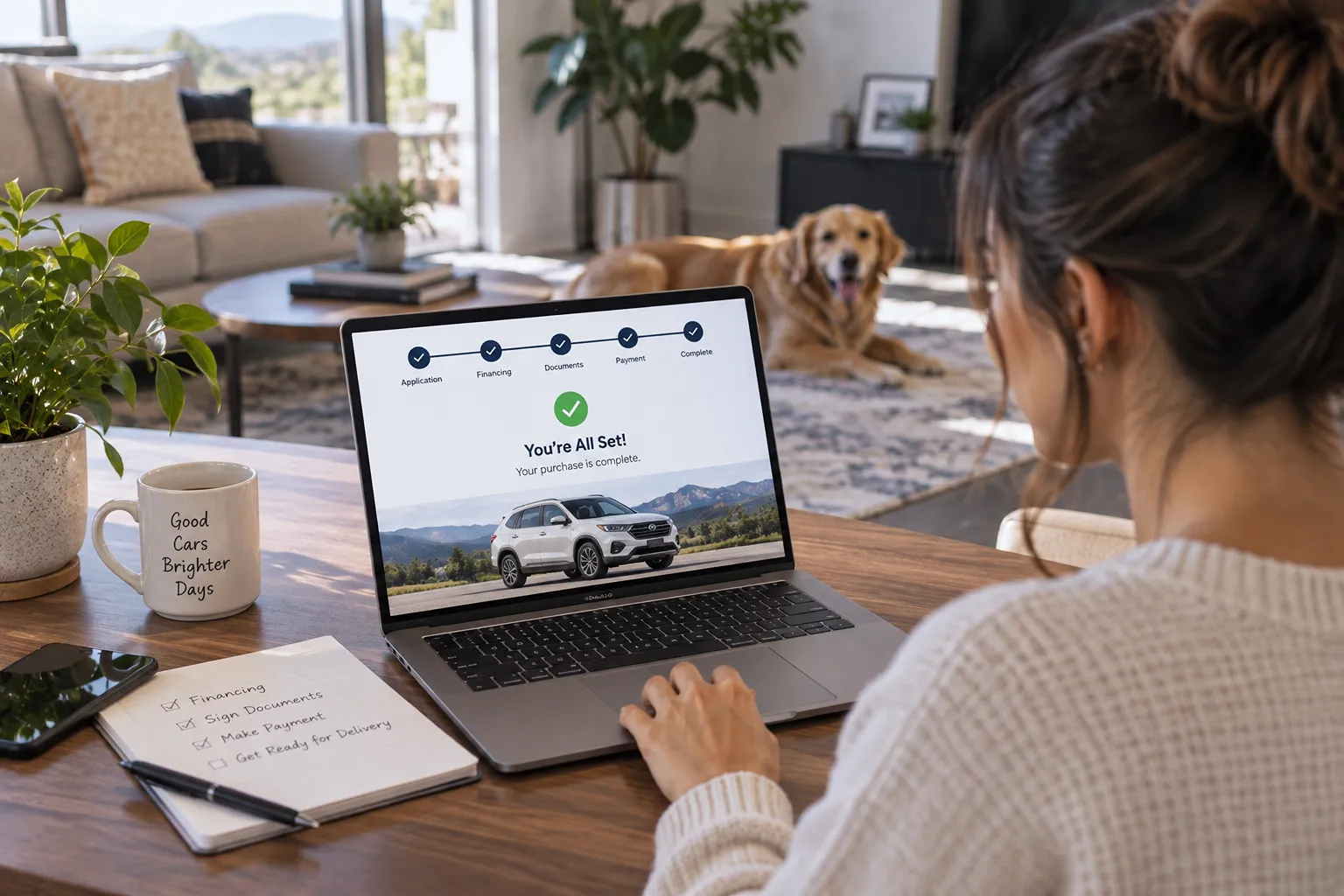
What Happens After You Sign When You Buy a Used Car Online?
Signing is only the middle of an online car purchase. Here's what happens next: pickup or delivery, your first inspection of the car, paperwork, and your return window.
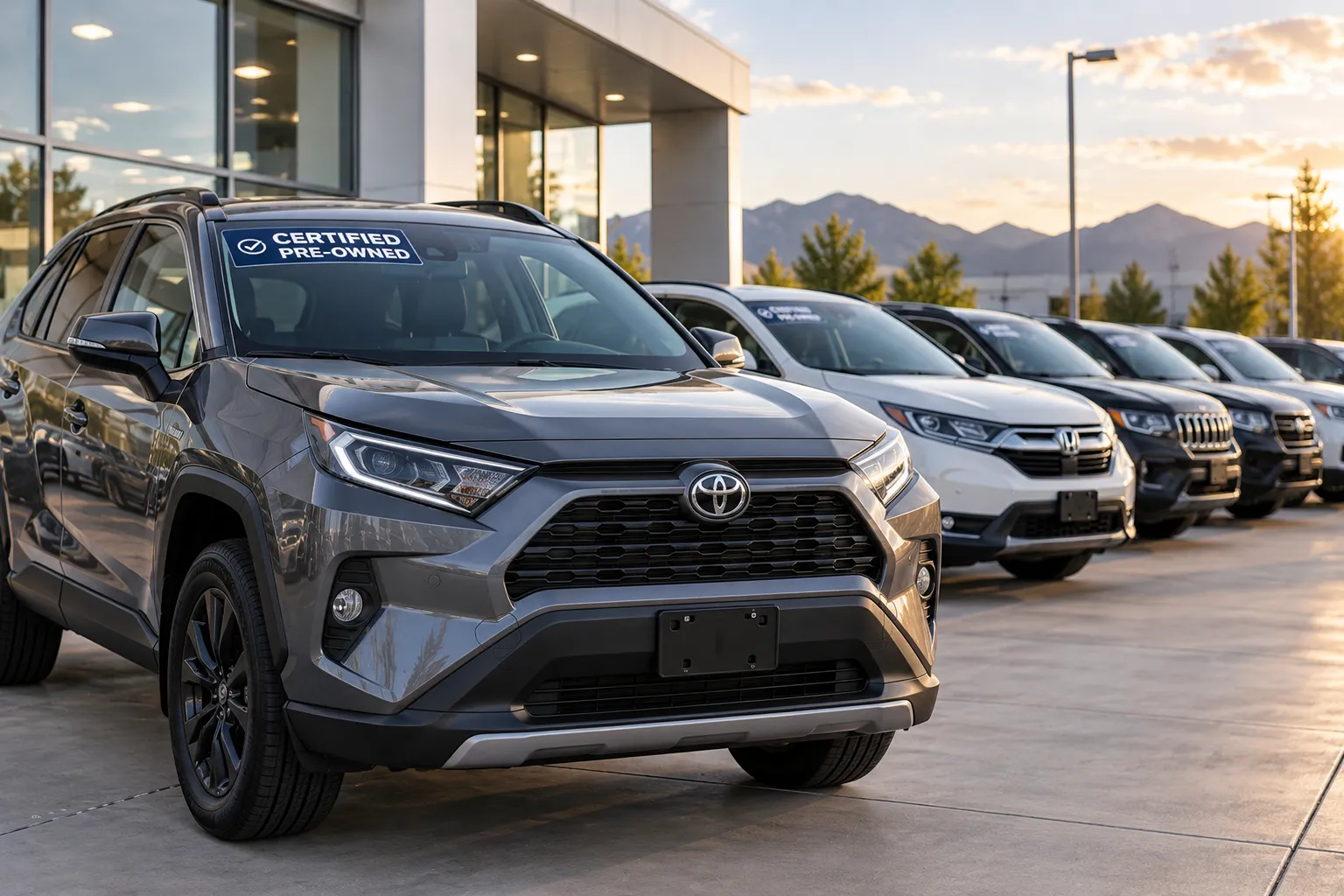
Is a Certified Pre-Owned Car Worth the Extra Cost?
A certified pre-owned car usually costs more than a similar non-certified one, in exchange for an inspection and extra warranty coverage. Here's what CPO covers and how to decide if it's worth it for you.

What Is an Out-the-Door Price, and Why Should You Ask for It?
The out-the-door price is the full amount you pay for a car, including taxes, title, registration, and dealer fees. Here's what's in it, and how to get a straight number before you commit.